
Planning
Eisenhower matrix template: a free, printable way to sort your to-do list by what matters
Updated 25 October 2026 · 7 min read · Free to print
An Eisenhower matrix template is a four-box grid that sorts tasks by urgent and important. Write your list, place each task in a box, then act: do urgent and important ones now, schedule the important but not urgent ones, hand off or shrink the urgent but not important ones, and drop the rest. This free sheet guides you.
Drawn from a 1954 Eisenhower speech and time management writing · Part of habits and getting things done
Fill it in here (it saves in this browser, but not in a private window), print it, or download the PDF. Free, no sign-up.
Some days everything feels urgent. The tasks that shout loudest get done, and the quiet ones that matter more (the course, the health check, the hard conversation) slide to next week. A priority matrix helps you see that pattern. It puts each task in one of four boxes, so you can choose on purpose instead of by volume.
You can finish this sheet in about 20 minutes. You empty your head onto a list, sort it, and book the important tasks into real days and times. Then you decide what to hand off or say no to, with a line you can use. At the end of the week, you check where your time went. If your list is still a tangle, a brain dump first can help, and procrastination is worth a look if the important boxes stay empty.
A note on how far to trust it. The grid is a thinking tool, not a tested method. It will not make your workload smaller, and it is not therapy. If you are overloaded because there is simply too much, the answer may be a conversation with your manager, not a better box.
How to use this worksheet
- 1Set a timer for 20 minutes and keep a pen or your keyboard ready.
- 2Do the brain dump first. Write everything, big or small, without sorting.
- 3Sort each task into one of the four boxes. If you are unsure, ask two questions: does it have a real deadline soon, and does it matter to something I care about?
- 4Book the 'schedule' tasks into your calendar before you close this page.
- 5Come back at the end of the week for the time check.
The worksheet
selfgrowth.org
My Eisenhower Matrix
Brain-dump your list, sort it into four boxes, book the important tasks into your week, decide what to hand off, then check where the time went.
01Brain-dump your list
Write down everything on your mind: work tasks, home jobs, calls you need to make, things you keep putting off. Do not sort or judge yet. A messy list is fine.
Everything I need or want to do:
- 1.
- 2.
- 3.
- 4.
- 5.
- 6.
- 7.
- 8.
- 9.
- 10.
- 11.
- 12.
02Sort into the four boxes
Urgent means it needs attention soon, because of a real deadline or a person waiting. Important means it matters to your work, health, family or what you care about. Copy each task from your list into one column. Some tasks will not fit neatly. Choose the closest and move on.
Urgent and important: do now
Real deadline, real stakes
Important, not urgent: schedule
Matters, no deadline yet
Urgent, not important: hand off or shrink
Loud, but low stakes for you
Neither: drop
Safe to let go
What I notice about where most of my list landed:
03Schedule the important, not urgent tasks
This is the box that gets squeezed. With no deadline, a task waits forever. Give each one a day, a start time and a small first step. Pick no more than three for the coming week.
Entry 1
Entry 2
Entry 3
What could get in the way of these times, and what I'll do about it:
04What I'll hand off, shrink or say no to
Urgent but not important tasks often belong to someone else, or need only a quick version. For each one, choose: hand it off, do a smaller version, or say no. Writing the sentence now makes it easier to say later.
Entry 1
Entry 2
Entry 3
Before I say yes to something new, I'll ask:
05Where did my time go this week?
Fill this in at the end of the week, from memory or your calendar. Rough guesses are fine. It is not a score. It just shows whether the important, not urgent box got any room.
Entry 1
Entry 2
Entry 3
Entry 4
How much did this week feel like my choice, not other people's demands?
06Review and next week
Look back kindly. You are learning how your week really works.
Which task from the 'schedule' box did I actually do, and how did it feel?
Which urgent task pulled me away from something important?
One change I'll make next week:
When you're done, a moment to reflect
- Which box did most of my list land in, and does that surprise me?
- What have I been putting off because it has no deadline?
- Which urgent tasks felt urgent only because someone else wanted them done fast?
- What is one task I could safely drop?
- If next week had one important thing finished, what would I want it to be?
Done for now?
Save today's answers as a dated entry. You can come back, fill it in again and compare the two side by side.
Where the Eisenhower matrix comes from
The name comes from a line usually credited to Dwight D. Eisenhower. The transcript of his 1954 address at Northwestern University, to the Second Assembly of the World Council of Churches, shows he attributed it to a former college president: 'I have two kinds of problems, the urgent and the important. The urgent are not important, and the important are never urgent.' Eisenhower used it to make a point about the modern world, not to describe a grid. The four-box version was popularised later, and is usually linked to Stephen Covey's The 7 Habits of Highly Effective People (1989).
What does research say? There is no trial that tests the four-box grid itself. What there is suggests why it might help. In five experiments reported by Zhu, Yang and Hsee in 2018, people were more likely to choose unimportant tasks over important ones with better payoffs when the unimportant tasks were merely urgent. The authors call this the mere urgency effect. That is a finding about how people choose, not proof that sorting a list fixes it.
So the honest summary is this: the matrix is a simple prompt to ask 'does this matter?' next to 'is this due?'. The scheduling, hand-off scripts and weekly time check on this page are a planning format, not a tested treatment.
These are educational self-reflection tools, not therapy.
If you want to go deeper
- Eisenhower, D. D. (1954, 19 August). Address at the Second Assembly of the World Council of Churches, Evanston, Illinois. The American Presidency Project.
- Covey, S. R. (1989). The 7 Habits of Highly Effective People.
- Zhu, M., Yang, Y. & Hsee, C. K. (2018). The mere urgency effect. Journal of Consumer Research. doi:10.1093/jcr/ucy008.
Your questions, answered
- What is the Eisenhower matrix?
- It is a four-box grid for sorting tasks by two questions: is it urgent, and is it important? The boxes are do now (both), schedule (important, not urgent), hand off or shrink (urgent, not important) and drop (neither). It is a thinking tool for deciding what to do first. There is no trial of the grid itself, so treat it as a handy way to organise your own judgement.
- Did Eisenhower really invent the Eisenhower matrix?
- Not as a grid. In a 1954 speech at Northwestern University, Eisenhower quoted a former college president who said he had two kinds of problems, the urgent and the important, and that the urgent are not important and the important are never urgent. He did not describe a grid. The four-box version is usually linked to Stephen Covey's book The 7 Habits of Highly Effective People (1989).
- What is the difference between urgent and important?
- Urgent tasks need attention soon, often because someone is waiting or a deadline is close. Important tasks matter to your goals, health, relationships or work, whether or not a clock is running. A ringing phone is urgent. Booking a health check is important. The trick is that urgent things shout, and important things stay quiet until they become a problem.
- Why do I do urgent tasks instead of important ones?
- It is common. In a 2018 paper called The Mere Urgency Effect, Zhu, Yang and Hsee ran five experiments. People were more likely to pick unimportant tasks over important ones with better payoffs when the unimportant tasks were merely urgent, such as a task that seemed to be about to expire. Booking the important tasks into your calendar, as this sheet does, takes the choice out of the moment.
- Is this a priority matrix template or a time management worksheet?
- Both. The four boxes are the priority matrix. The scheduling, hand-off and weekly time check turn it into a time management worksheet, so you end with days and times in your week, not just a sorted list. You can use it for work, home or both. Fill in one page per week or whenever your list feels out of control.
- Is there an Eisenhower matrix PDF?
- Yes. Use the Download PDF button for a print-ready copy, or Print to print straight from the page. It is free, with no payment and no email needed. You can also fill it in on screen, and your answers save in your browser on that device.
- Is this a substitute for therapy or work advice?
- No. It is a self-help tool, not therapy and not formal workplace or career advice. If stress or low mood is what is really getting in the way of your to-do list, please speak to your GP. If you ever feel unsafe or have thoughts of harming yourself, call Samaritans on 116 123 (UK and Ireland), 988 (US), or find a line at findahelpline.com.
Keep going, related worksheets
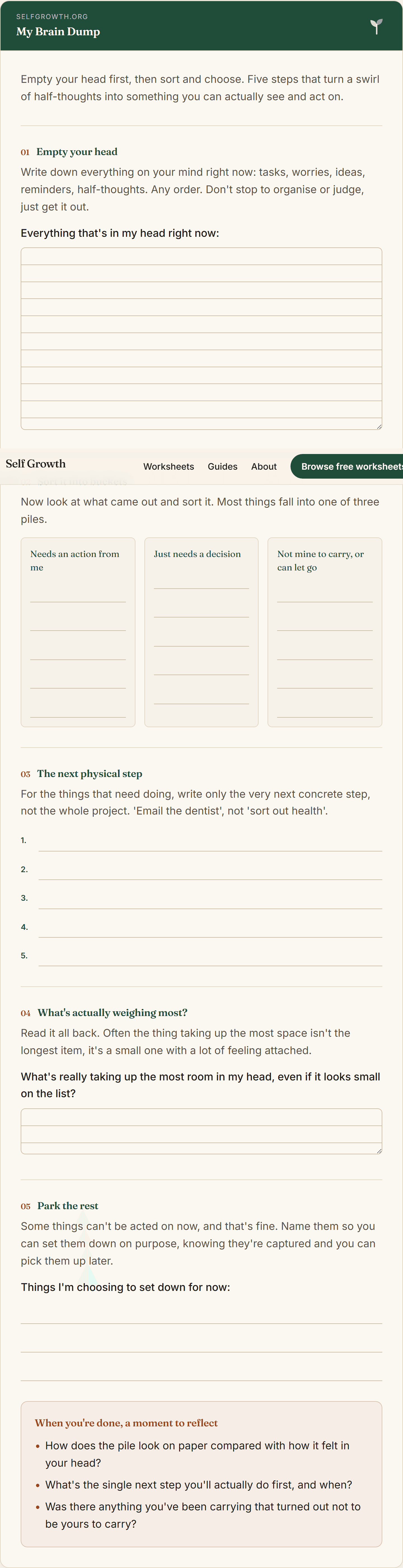
Brain Dump Template
A free, printable brain dump template to empty a cluttered mind onto the page, sort it into what needs action and what to let go, and find the next clear step.
Open worksheet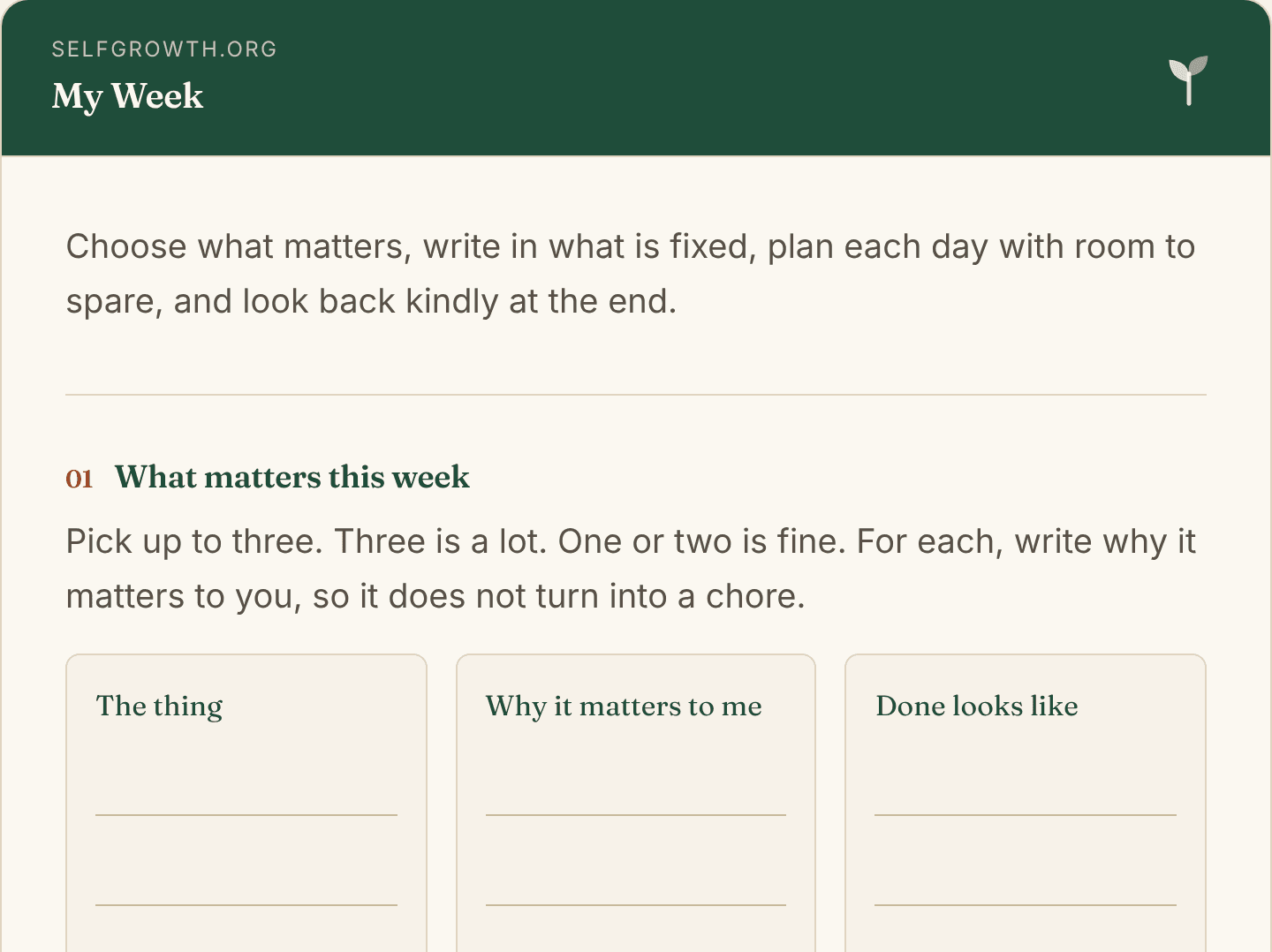
Weekly Planner Printable
A free weekly planner printable: pick up to three priorities, note fixed times, plan each day with a buffer and rest, then look back kindly. Print or fill in.
Open worksheet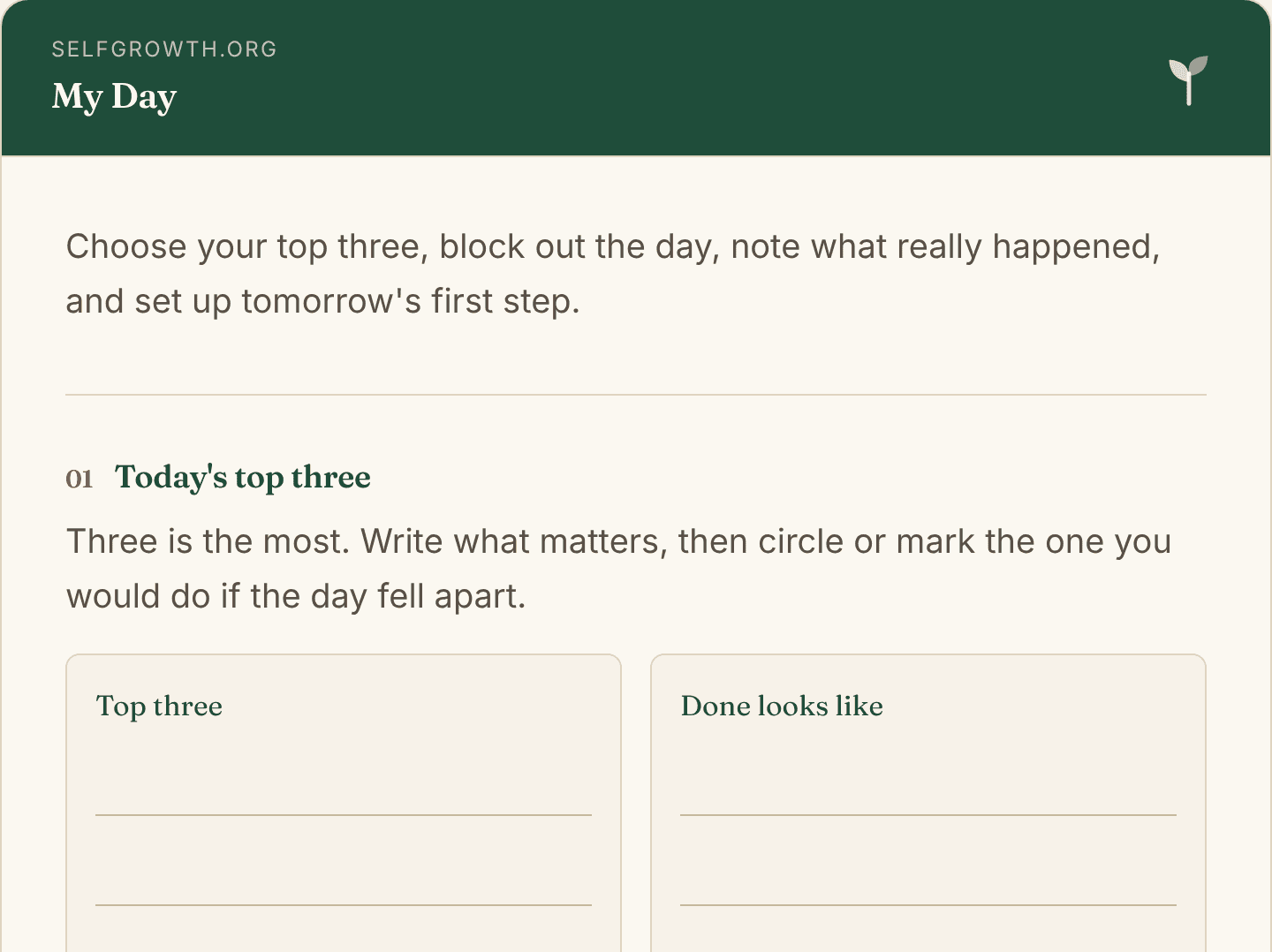
Daily Planner Template
A free daily planner template on one page: top three, time blocks, appointments, breaks, a short to-do list and a two-minute look back. Print or fill in.
Open worksheetNew worksheets, straight to your inbox
An occasional new worksheet or tool, sent only when there's something genuinely worth your time. No spam, no pressure, unsubscribe any time.